 Canada
 United States
 Bahamas
 Jamaica
 Trinidad & Tobago
 Antigua & Barbuda
 Barbados
 Anguilla













Payroll runs seamlessly, and HR processes are no longer a tedious grind. It's simplified how we work, allowing us to focus more on our people.
Because claims live inside payroll, an approved expense becomes a line on the pay stub. No separate cheque, no second system to reconcile.
4.5 stars on G2 + Capterra. 49 third-party reviews.1
25+ years in production. Since 2000.2
100% in-house support. Never farmed out.14
$4 per employee / month / suite.3
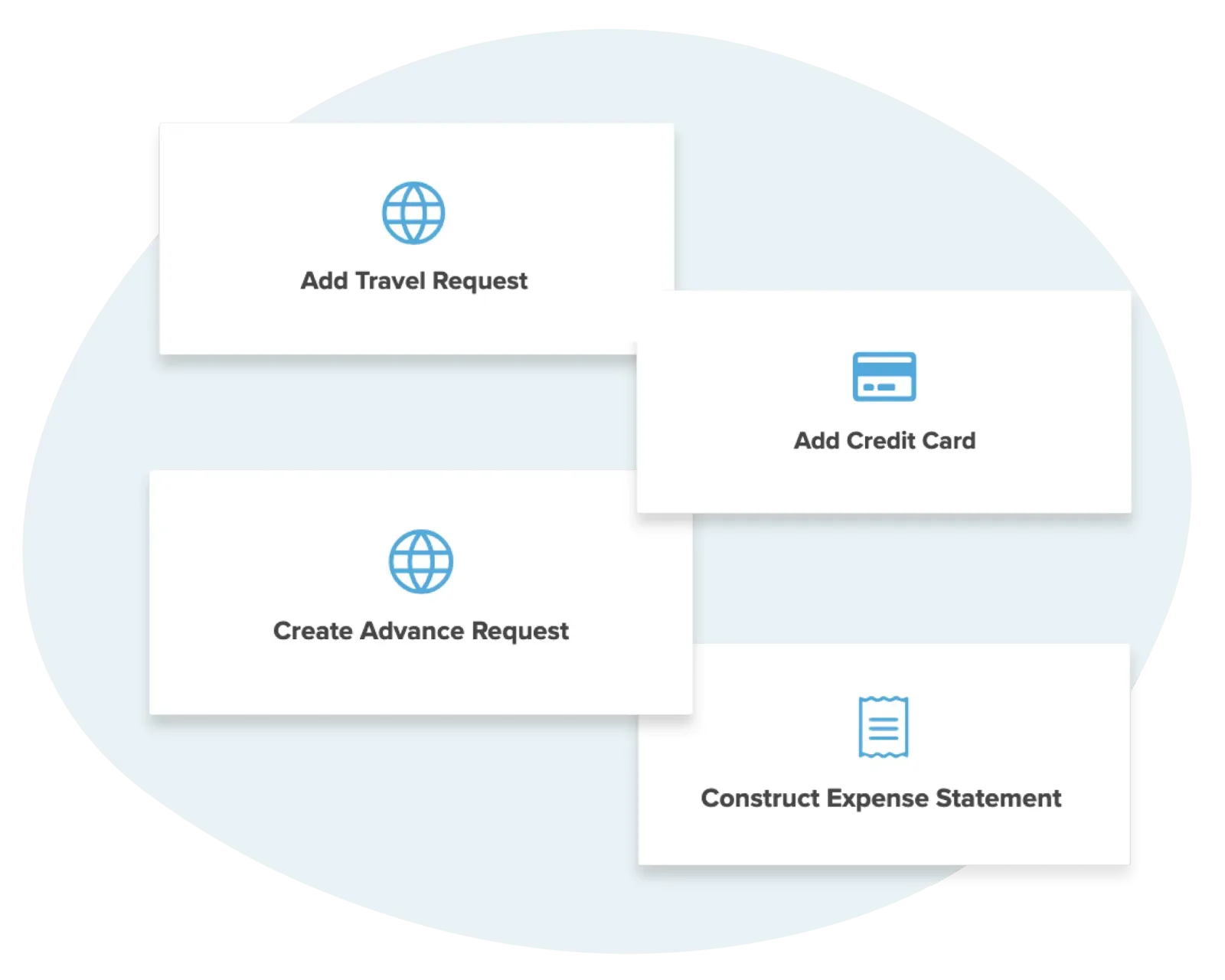
Workzoom expense management lets employees submit expense claims with receipts, log corporate card spend, and raise travel and cash advance requests, then routes them for approval and pays approved reimbursements through the next pay run.
Expense types, policies, and mileage rates are configured to your business, lines can be entered in a foreign currency and reimbursed in your base currency, and because expenses sit inside the HRIS and payroll, an approved claim becomes a reimbursement line on the pay stub, no separate cheque. Workzoom expense management is built for employers with 50 to 5,000 employees.
Our clients
Without enforcement at submission, finance finds problems too late. The only options left are an awkward clawback or absorbing the cost.
Workzoom Expenses enforces policy at the point of submission. Out-of-policy claims are flagged before they reach a manager, not discovered in an audit.
Every Workzoom suite shares the same employee data, so expenses stays current with payroll, HR, workforce, and talent without an export or an integration to maintain.
Because expenses and payroll share one database, an approved claim becomes a line on the employee's next pay stub with no export, no separate cheque, and no reconciliation between systems.
Corporate credit card spend, cash advances, travel requests, and out-of-pocket expense claims all live in the same system, tied to the employee record and routed for approval.
Expense types, policies, and mileage rates are configured to your business and effective-dated, so the correct rate applies to the correct period. Each expense line can be entered in a foreign currency with an exchange rate, then reimbursed in your base currency.
Employees create an expense statement, add expense details against the expense types you configure, and submit receipts, all tied to their employee record rather than a separate system.
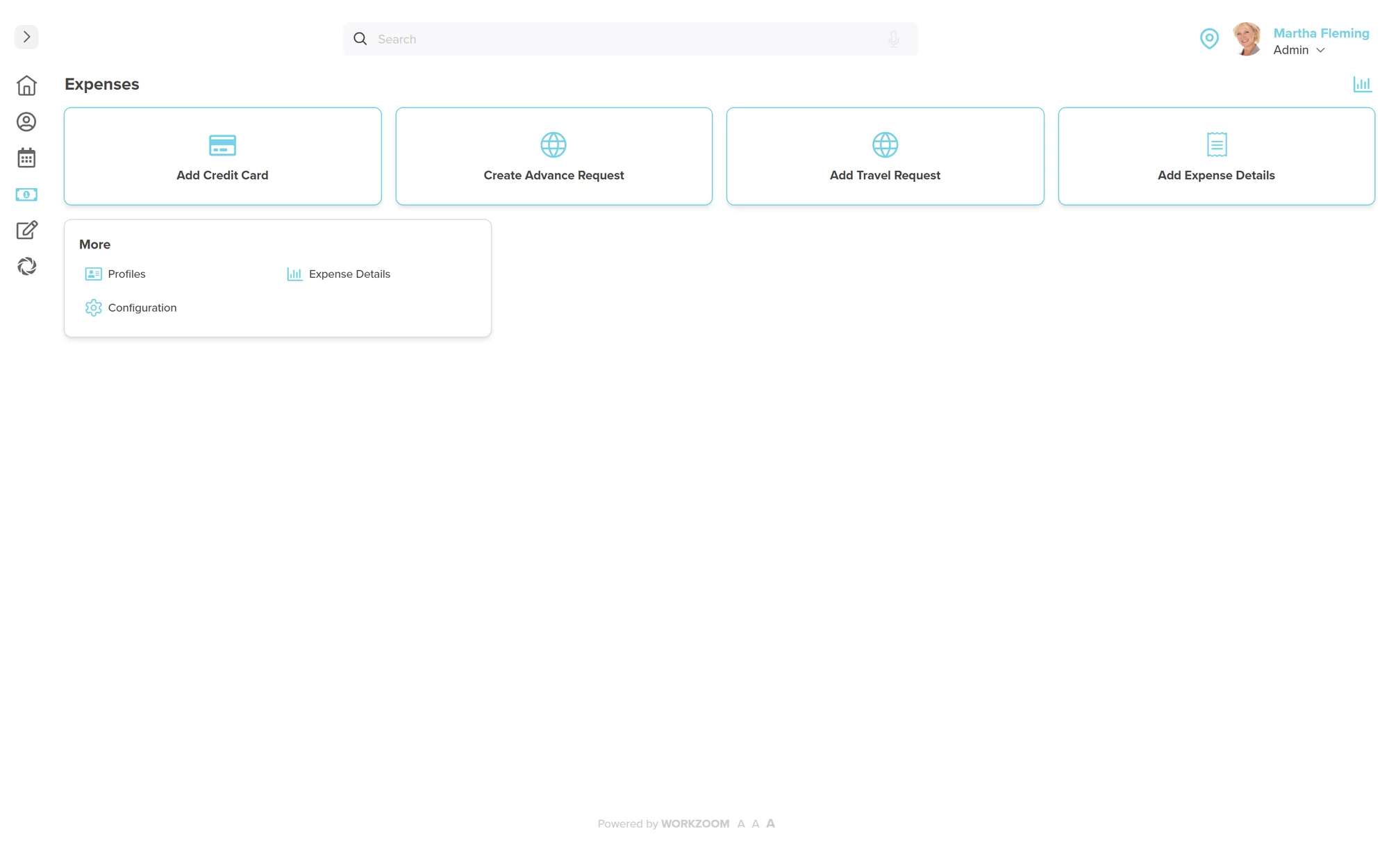
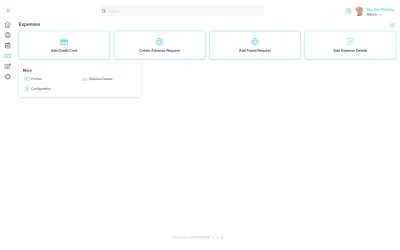
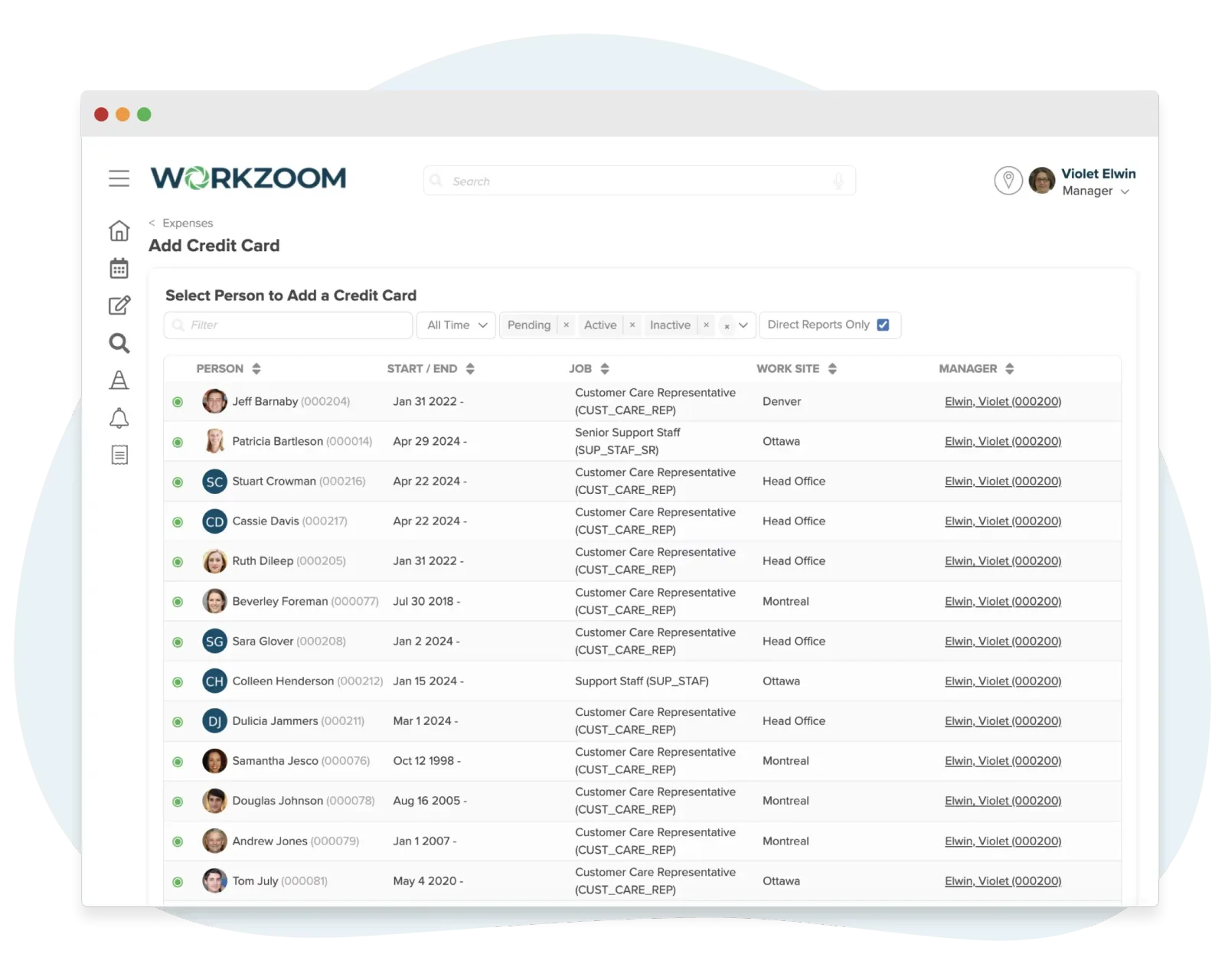
Add corporate credit cards, assign them to cardholders, and record card transactions so company-card spend is reconciled in the same place as employee expense claims.
Employees create travel requests and cash advance requests ahead of a trip and submit them for approval, with advances held against the person and reconciled against the expenses that follow.
Configure expense policies, the set of expense types your business uses, and effective-dated mileage rates, so the rate you set applies by date. Each expense line can be entered in a foreign currency with an exchange rate, then reimbursed in your base currency through payroll.
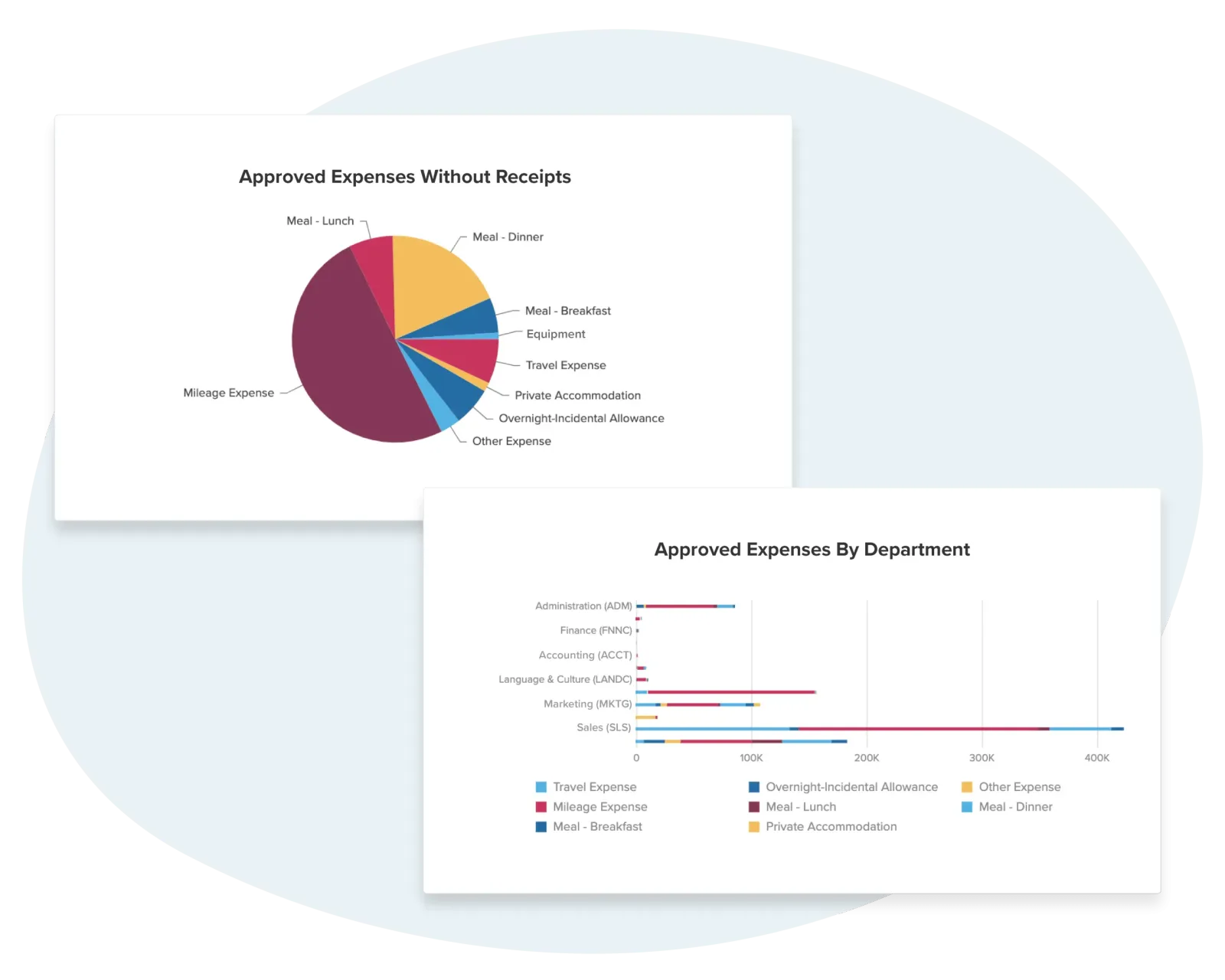
Because expenses sit inside payroll, an approved reimbursement becomes a line on the employee's next pay stub from the same database, with no export, separate cheque, or cross-system reconciliation.
Customer stories
Teams running Workzoom expenses on real payroll, real schedules, real headcount. View all case studies
Payroll runs seamlessly, and HR processes are no longer a tedious grind. It's simplified how we work, allowing us to focus more on our people.

Before Workzoom, we were buried in spreadsheets. Now HR is so much simpler. We spend less time on admin and more time supporting our staff and residents every single day.

What mattered most was choosing a solution built for businesses like ours. Workzoom delivered everything we needed, from payroll to facial recognition clocks, and worked with us every step.


We would not be able to hire the way we do with the same resources. It has kept our headcount consistent without growing it, saving us time and money every single cycle.


Workzoom completely transformed our payroll process in just one month. So easy to audit, validate, and make corrections, even at the last minute. The support we received was incredible.
Moving to Workzoom was the right move. It gave our dynamic report and payment structures the flexibility we needed, at the right price.

Switching to Workzoom made managing payroll and timekeeping so much easier. We processed our first payroll faster than we expected and now feel far more confident in everything we do.
Keep exploring
Pair Expenses with the rest of the Payroll Suite. One employee record, nothing to integrate or maintain.
A pre-flight pass flags the missing deduction or bad retro during the run, so you fix it before the money moves, not after payday.
Automated enrolment based on eligibility rules, self-service elections, life event processing, and payroll-connected deductions. No paper forms, no manual calculations.
Workzoom is $4 USD per suite per employee per month, or $16 all-in for the full platform. No setup fees, no long-term contract. See pricing.
Get started
A 15 to 60 minute working session, not a slide deck. We walk through Expenses live, on your headcount and your industry, then give you a straight answer on fit and price.
Workzoom works with organizations of 50 or more employees. See our minimums.
Frequently asked
Specifics on how Workzoom expenses works, what it costs, and how it connects to the rest of the platform.