 Canada
 United States
 Bahamas
 Jamaica
 Trinidad & Tobago
 Antigua & Barbuda
 Barbados
 Anguilla













Payroll runs seamlessly, and HR processes are no longer a tedious grind. It's simplified how we work, allowing us to focus more on our people.
Coverage that holds across every site, shift, and season, for long-term care, municipal public works, resort, and retail operations, with overtime flagged before it ever reaches a pay run.
4.5 stars on G2 + Capterra. 49 third-party reviews.1
25+ years in production. Since 2000.2
100% in-house support. Never farmed out.14
$4 per employee / month / suite.3
Workzoom shift scheduling software builds shift schedules, manages open shifts, and ranks qualified staff so managers can fill each vacancy fast.
It covers rotation templates, multi-location and multi-department coverage, shift bidding, and shift-vacancy offers, and it can auto-unschedule an employee who passes a set daily hour limit or whose new shift overlaps an existing one, while overtime and meal rules run in timekeeping and reach the manager's Daily Time Batch the next day. Because scheduling is built into the HRIS, the schedule reads real qualifications, certifications, seniority, availability, and distance to the worksite, then feeds timekeeping and payroll with labor cost visibility and no exports. Workzoom scheduling software is built for shift-based employers with 50 to 5,000 employees.
Our clients
Filling an open shift means phone calls and guesswork about who is qualified and available. The work is slow, manual, and never finished.
Workzoom Scheduling shows a ranked list of qualified, available, compliant staff the moment a shift opens. Managers assign directly or post for bids with no phone calls.
Every Workzoom suite shares the same employee data, so scheduling stays current with payroll, HR, workforce, and talent without an export or an integration to maintain.
A ranked list of qualified, available, compliant staff appears the moment a shift opens. Managers assign directly or post for bids without making calls or checking spreadsheets to figure out who is eligible and available.
The timekeeping policy can auto-unschedule an employee who goes over a set number of hours in a day, or whose new shift overlaps one they already have, and the vacancy policy caps the hours an employee can bid into.
Scheduled shifts flow into timekeeping for actual-versus-planned comparison, and approved hours feed payroll with premiums pre-calculated. There are no exports, no middleware, and no two systems to reconcile after every pay period.
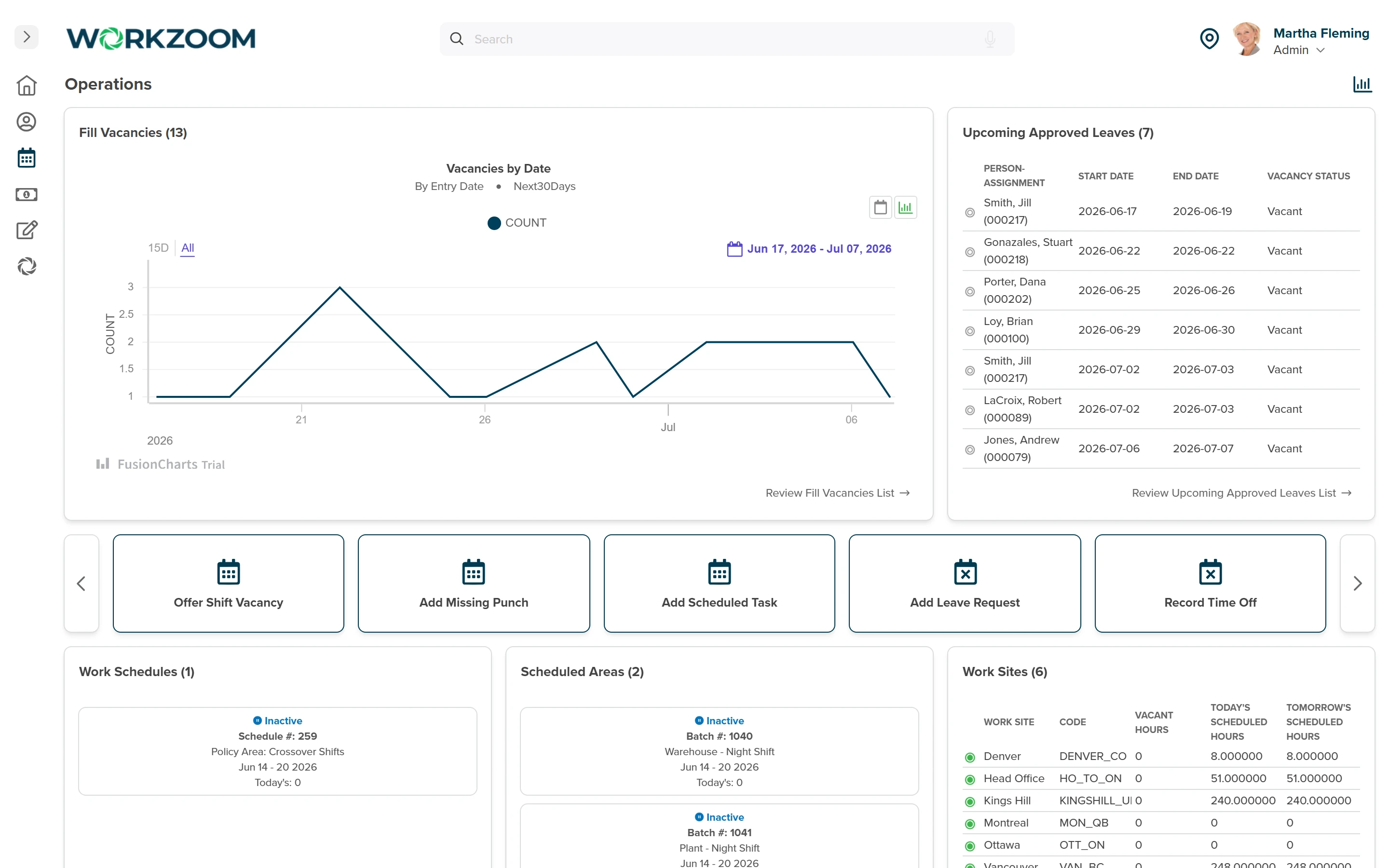
Workzoom surfaces vacancies automatically from approved leaves, shift drops, and terminations, then shows managers a ranked list of who can fill each shift based on skills, availability, hours worked, and compliance limits. Island Luck fills vacancies across 60+ locations using this system.
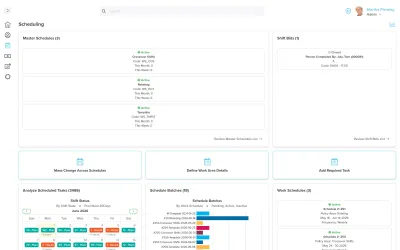
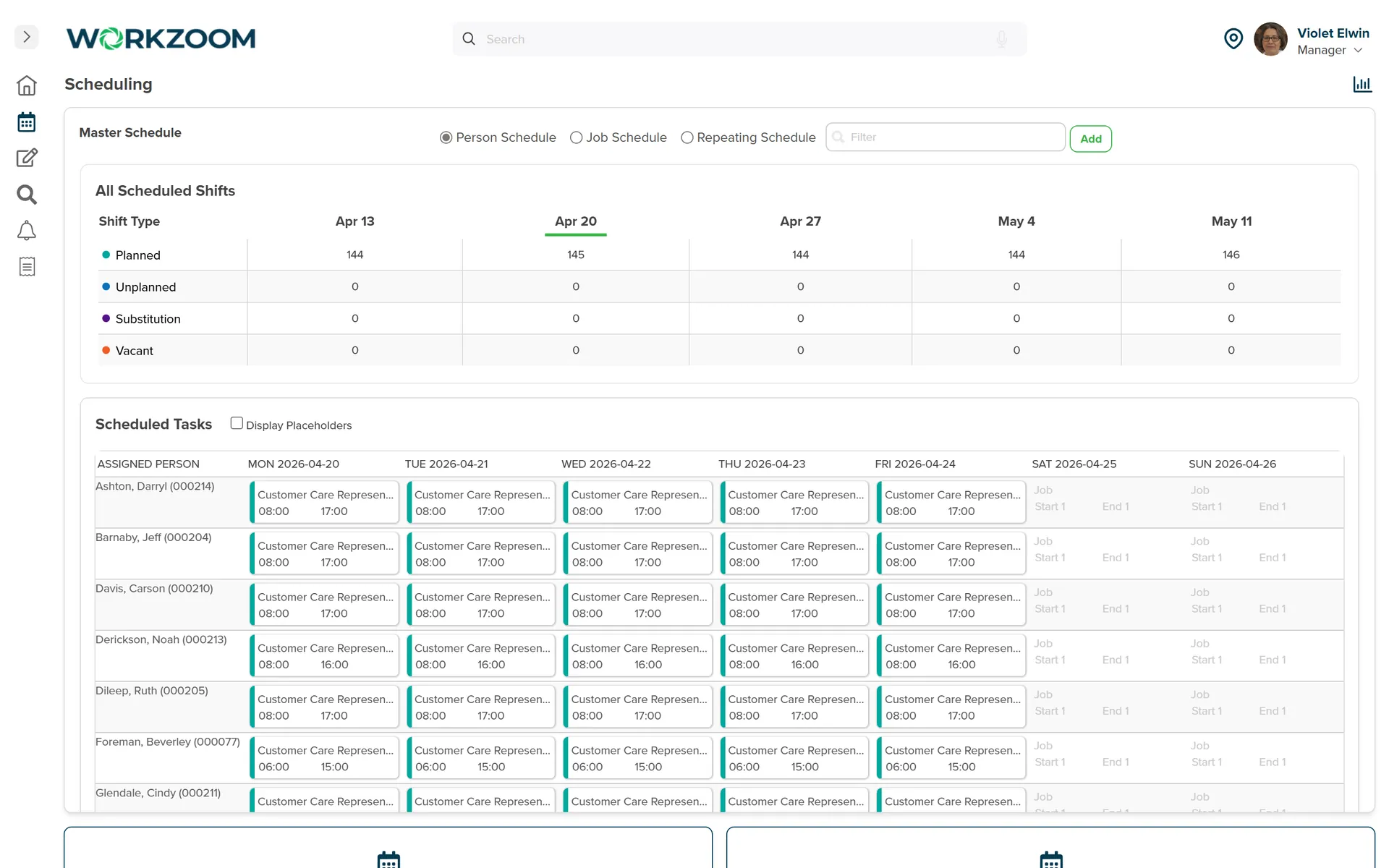
The timekeeping policy can auto-unschedule an employee who exceeds a set number of hours in a day or whose new shift overlaps an existing one, and the vacancy policy caps the hours an employee can bid into. Repeating schedule templates generate automatically on a set frequency aligned to your pay periods.
Workzoom pushes schedules to employees through self-service with direct calendar sync to Google Calendar, Outlook, or Apple Calendar. Managers post open shifts for qualified staff to bid on, and printable extracts are available for workplaces that need physical copies.
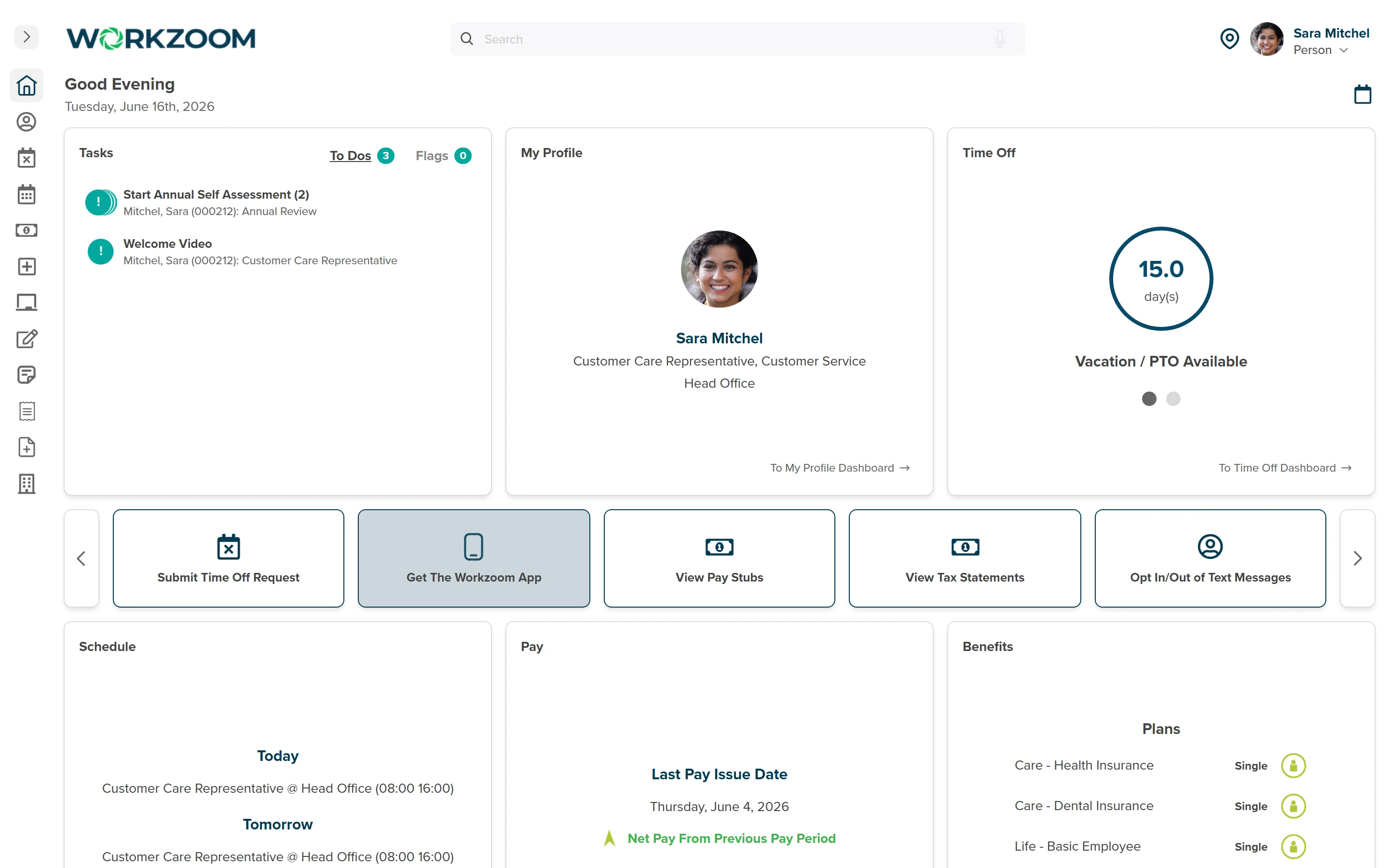
Workzoom connects scheduling, timekeeping, and payroll through one pipeline so scheduled shifts flow into timekeeping for actual-versus-planned comparison, and approved hours feed payroll with overtime and premiums already calculated. No CSV exports and no manual reconciliation.
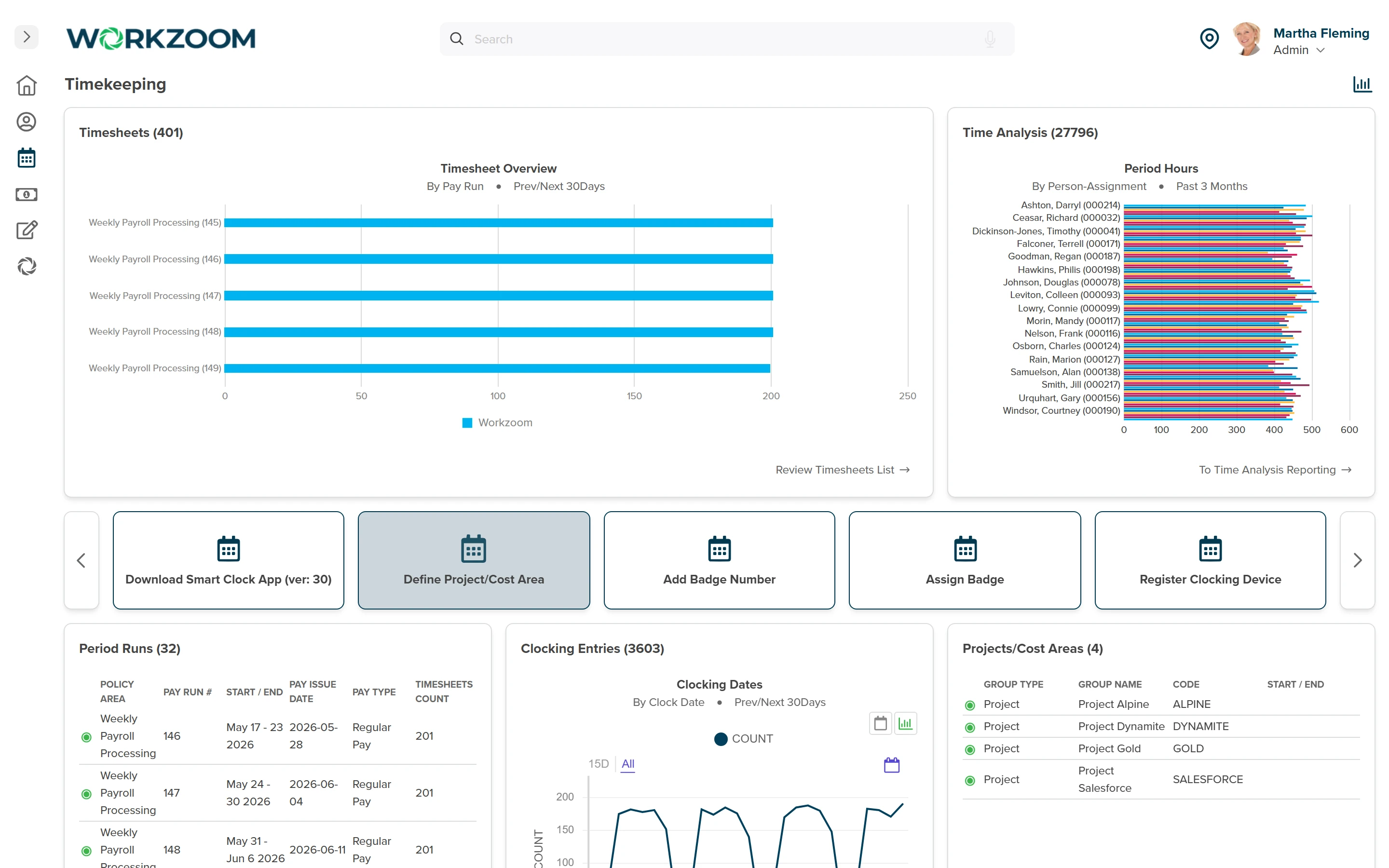
Workzoom's implementation specialist works alongside your team to organize your work areas, teams, and supervisors, set up repeating and default schedules, define vacancy fill rules, and connect everything to timekeeping and payroll so approved time off turns into open shifts managers can fill immediately.
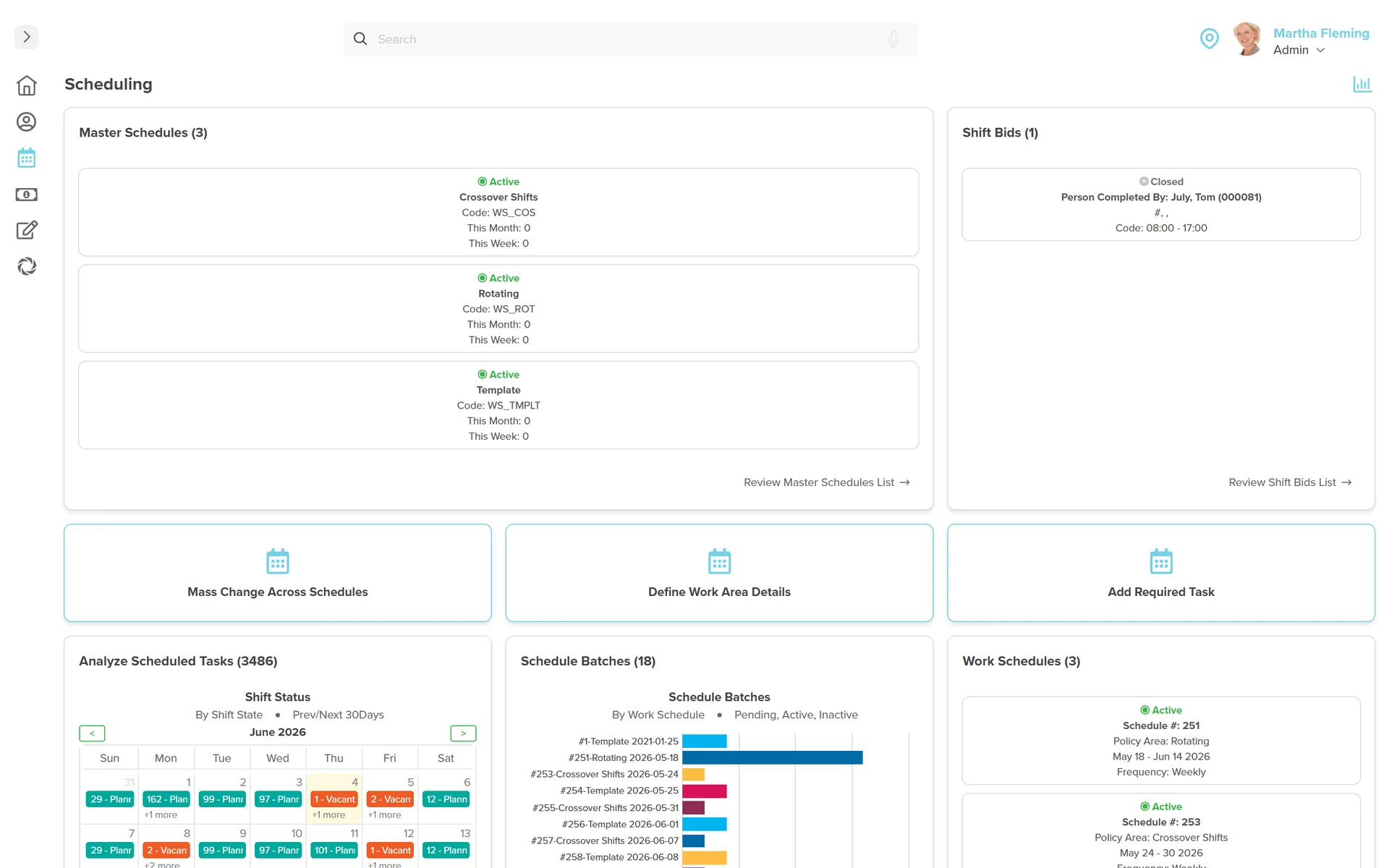
Customer stories
Teams running Workzoom scheduling on real payroll, real schedules, real headcount. View all case studies
Payroll runs seamlessly, and HR processes are no longer a tedious grind. It's simplified how we work, allowing us to focus more on our people.

Before Workzoom, we were buried in spreadsheets. Now HR is so much simpler. We spend less time on admin and more time supporting our staff and residents every single day.

What mattered most was choosing a solution built for businesses like ours. Workzoom delivered everything we needed, from payroll to facial recognition clocks, and worked with us every step.


We would not be able to hire the way we do with the same resources. It has kept our headcount consistent without growing it, saving us time and money every single cycle.


Workzoom completely transformed our payroll process in just one month. So easy to audit, validate, and make corrections, even at the last minute. The support we received was incredible.
Moving to Workzoom was the right move. It gave our dynamic report and payment structures the flexibility we needed, at the right price.

Switching to Workzoom made managing payroll and timekeeping so much easier. We processed our first payroll faster than we expected and now feel far more confident in everything we do.
Keep exploring
Pair Scheduling with the rest of the Workforce Suite. One employee record, nothing to integrate or maintain.
Only the mismatches surface for a manager: a short punch, an unplanned double. Clean time flows straight to payroll.
Desk, field, or floor, every worker clocks the way that fits the job, and it all lands in timesheets payroll can access.
Employees self-serve time off requests with full visibility into balances and team availability. Approved leave triggers schedule updates, vacancy creation, qualified fill, and payroll, all automatically.
Workzoom is $4 USD per suite per employee per month, or $16 all-in for the full platform. No setup fees, no long-term contract. See pricing.
Get started
A 15 to 60 minute working session, not a slide deck. We walk through Scheduling live, on your headcount and your industry, then give you a straight answer on fit and price.
Workzoom works with organizations of 50 or more employees. See our minimums.
Frequently asked
Specifics on how Workzoom scheduling works, what it costs, and how it connects to the rest of the platform.